Tag: cctv

  • Understanding CCTV Systems: What You Need to Know Before Installing

    Understanding CCTV Systems: What You Need to Know Before Installing

    Installing CCTV without a plan often leads to blind spots, wasted budget, and weak evidence. A professional setup begins with goals: what must be monitored, how detailed the footage needs to be, and how long the recordings should be stored.

    Start With Purpose

    • Do you need identification (faces/plates) or general monitoring?
    • Indoor, outdoor, or mixed environment?
    • Retention policy: 7 days, 30 days, or 90 days?

    Camera Types at a Glance

    TypeBest ForNotes
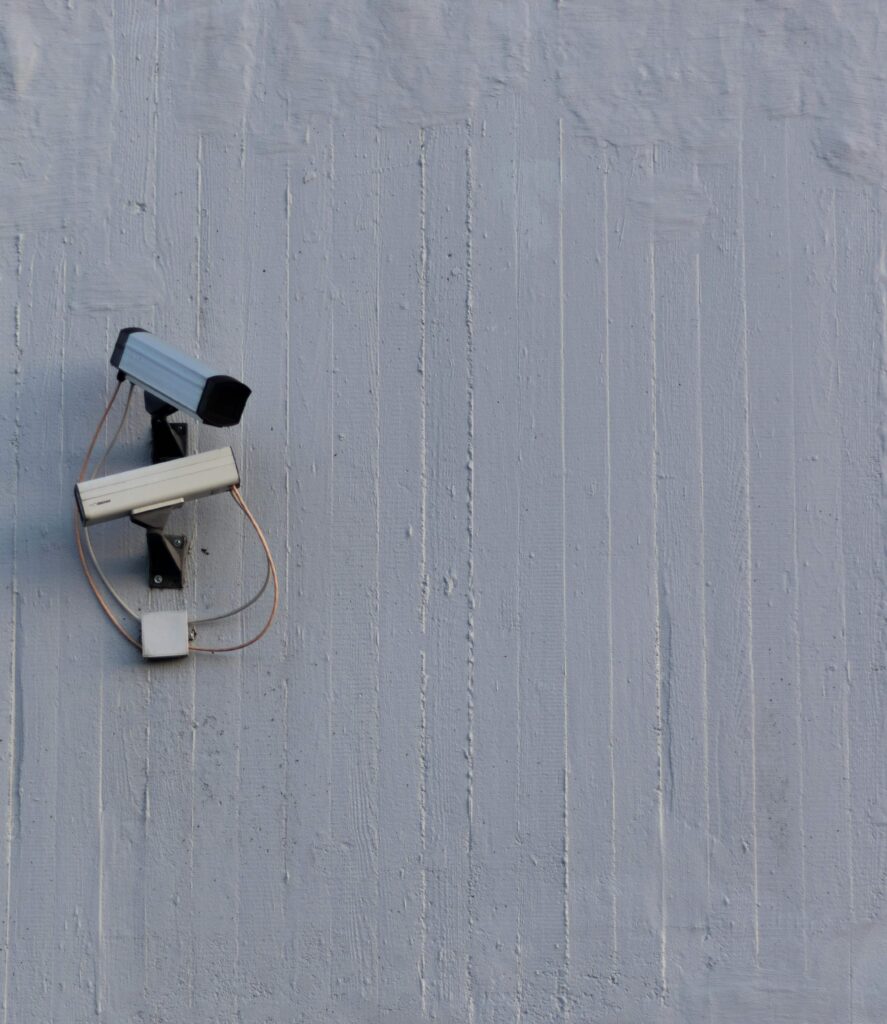
    BulletOutdoor perimeterLong range, visible deterrent
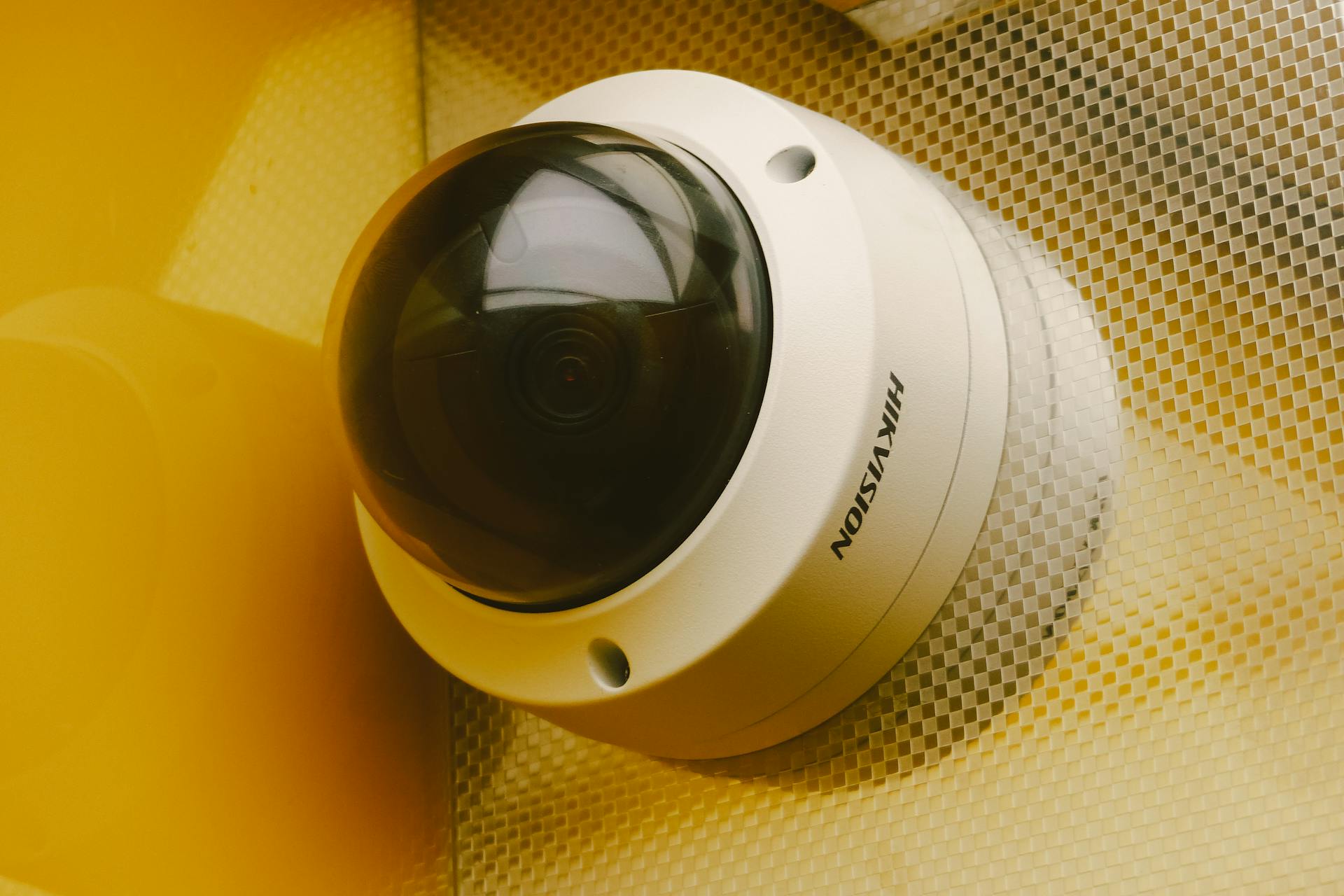
    DomeIndoor areasDiscrete and vandal‑resistant
    PTZWide coverage zonesMotorized, requires monitoring

    “Good CCTV is not about the number of cameras—it’s about the clarity of evidence.”

    Resolution & Lens Planning

    Resolution affects detail. Lens determines angle and distance. These two must be planned together:

    • Higher resolution = clearer evidence but higher storage usage
    • Wide lens = larger coverage, lower detail at distance
    • Varifocal lens = flexible setup for uncertain angles

    Storage Planning (Don’t Guess)

    FactorImpact on Storage
    ResolutionHigher res = larger files
    FPSMore frames = more storage
    Night visionMore noise, larger files

    Placement Checklist

    • Cover all entry/exit points
    • Avoid glare from windows/lights
    • Ensure camera height prevents tampering
    • Test angles before drilling

    Final Recommendation

    Professional CCTV is built on planning—goals, coverage, and response. If you need help choosing the right system, start with a site assessment and future expansion plan.
    Explore CCTV options here or request a site survey.

  • Why Smart Security Systems Matter in Today’s Connected World

    Why Smart Security Systems Matter in Today’s Connected World

    Security today is no longer just “having cameras.” In a connected world, real protection comes from how systems talk to each other—what they see, who they allow in, and how fast they respond. Organizations that treat CCTV, access control, and alarms as separate tools often miss context, lose time, and struggle to act quickly when incidents happen.

    Smart security isn’t about buying more devices. It’s about building a system that connects evidence to response. That’s what makes security professional, scalable, and measurable.

    Why the Connected Approach Matters

    Disconnected systems create blind spots. A camera can record an event, but without access logs you can’t confirm who entered. An alarm can trigger, but without linked video you may not know what caused it. Integration reduces those gaps.

    • Visibility: CCTV gives real‑time monitoring and evidence.
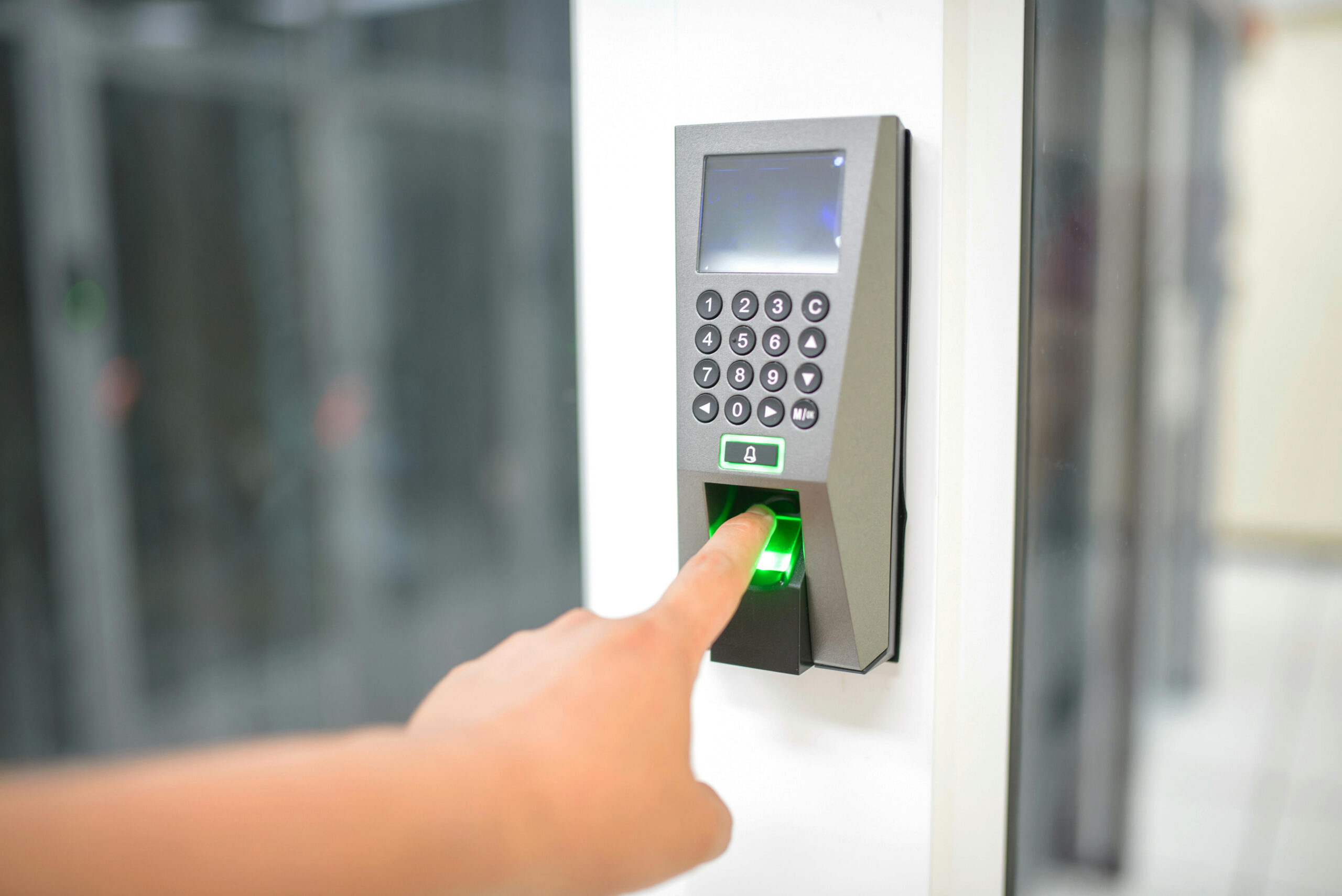
    • Validation: Access control confirms authorized entry.
    • Response: Alarms initiate action and escalation.

    “The best security systems don’t just record events—they connect events so teams can act immediately.”

    Connected vs. Disconnected Security (Practical Comparison)

    AreaDisconnectedIntegrated
    Incident ReviewSeparate logs & videosUnified timeline & evidence
    Response SpeedManual checksAutomated escalation
    AccountabilityUnclear access historyLinked access + footage
    ComplianceHard to auditStructured reporting

    Designing a Smarter Security Workflow

    Think in workflows, not hardware. Start with a site risk map and define how the system should react to real incidents.

    1. Define critical zones (entrances, storage, server room, cash areas).
    2. Set response time expectations (immediate, 5 minutes, 15 minutes).
    3. Link events: door forced open → camera pop‑up → notify supervisor.

    Key Benefits for Business Operations

    • Faster response: alerts are supported by real evidence.
    • Reduced false alarms: events are verified by video.
    • Better reporting: logs and clips are centralized.
    • Lower risk exposure: incidents are resolved sooner.

    Implementation Checklist

    • All entry points mapped and covered
    • Access logs synchronized with camera zones
    • Alarm escalation paths documented
    • Footage storage aligned to policy
    • Staff trained on incident response

    Conclusion: A professional security system is not just a set of devices—it’s a connected response framework. If you want a site‑specific plan, start with a simple review and define your response flow clearly.

    Talk to HKSS about building a connected security strategy.