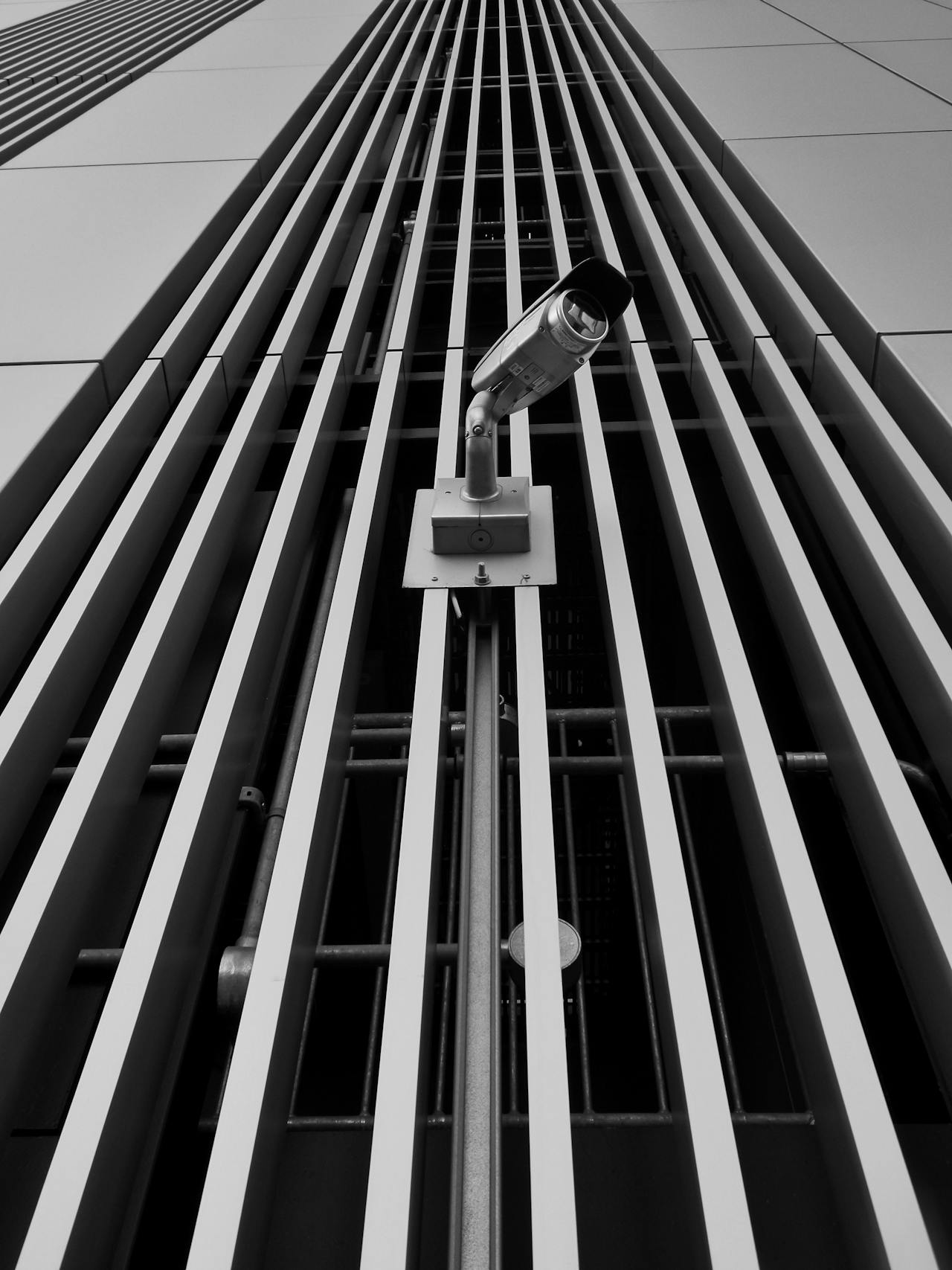
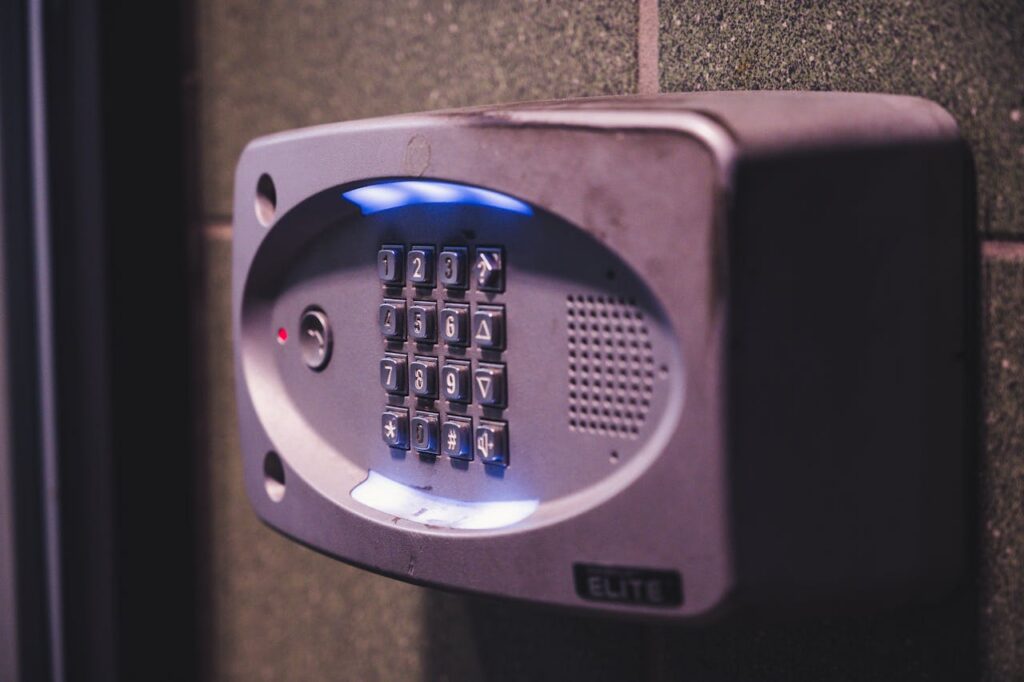
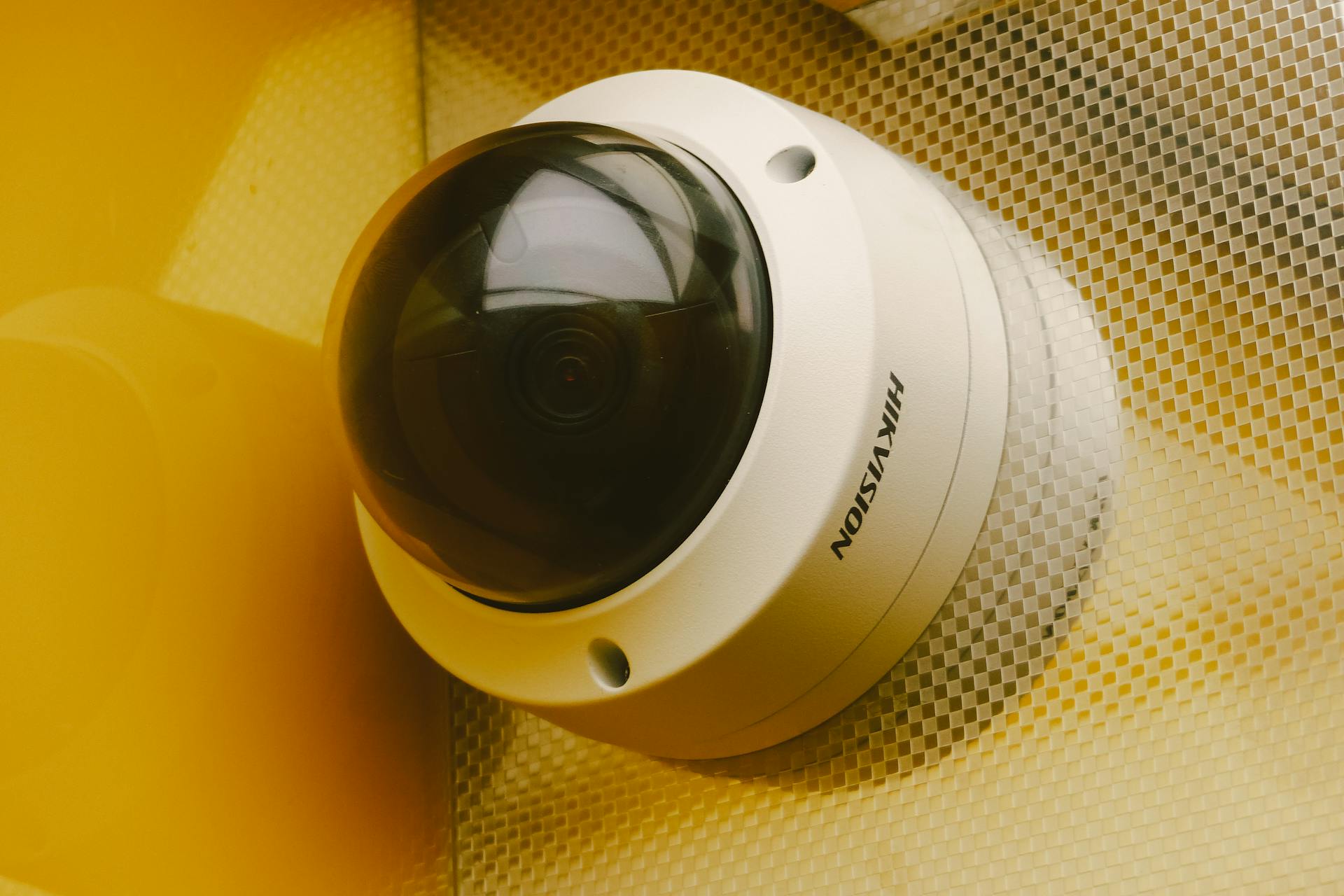
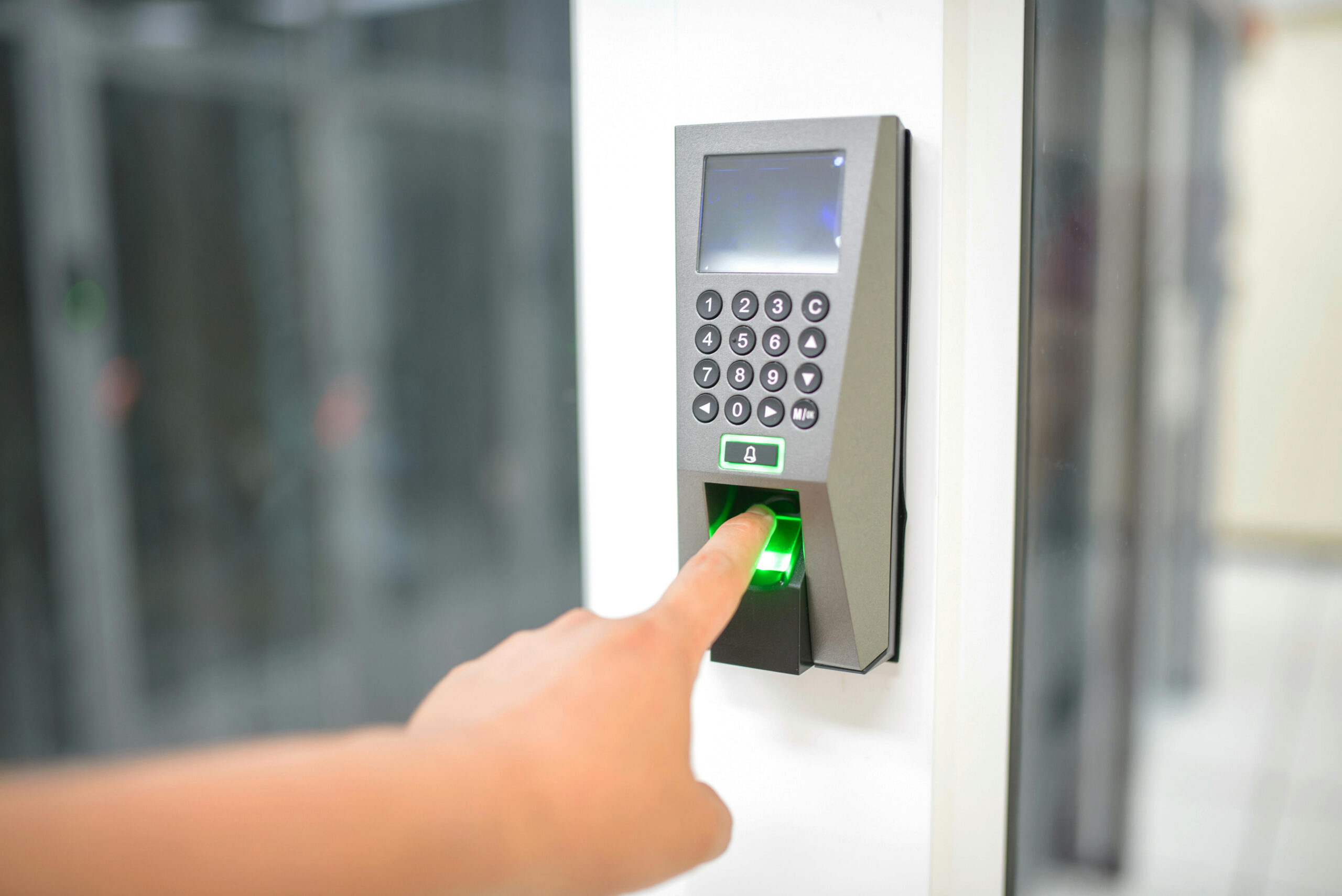
HKSS Distributions was built on one belief: security must be reliable, consistent, and easy to maintain. Over time, our focus moved from selling products to delivering complete solutions that businesses can trust.
Our Principles
Consistency: stable performance across sites
Quality: devices that are tested and documented
Support: real after‑sales service, not just delivery
“Security is a long‑term partnership, not a one‑time purchase.”
Every site has different risks, workflows, and response requirements. That’s why HKSS doesn’t just sell devices—we design integrated systems that fit how your business actually operates.
Our Integration Framework
Phase
What We Do
Outcome
Assess
Site survey & risk mapping
Clear priorities
Design
System architecture & workflow plan
Scalable blueprint
Deploy
Installation & testing
Reliable operation
Support
Training & maintenance
Long‑term stability
“Integration is not about buying more hardware—it’s about building a system that responds.”
What Businesses Gain
Faster incident detection and escalation
Clear accountability with access logs
Unified reporting for audits and compliance
Reduced false alarms
Operational Checklist (Before Go‑Live)
All entry points covered by camera and access rules
Installing CCTV without a plan often leads to blind spots, wasted budget, and weak evidence. A professional setup begins with goals: what must be monitored, how detailed the footage needs to be, and how long the recordings should be stored.
Start With Purpose
Do you need identification (faces/plates) or general monitoring?
Indoor, outdoor, or mixed environment?
Retention policy: 7 days, 30 days, or 90 days?
Camera Types at a Glance
Type
Best For
Notes
Bullet
Outdoor perimeter
Long range, visible deterrent
Dome
Indoor areas
Discrete and vandal‑resistant
PTZ
Wide coverage zones
Motorized, requires monitoring
“Good CCTV is not about the number of cameras—it’s about the clarity of evidence.”
Resolution & Lens Planning
Resolution affects detail. Lens determines angle and distance. These two must be planned together:
Higher resolution = clearer evidence but higher storage usage
Wide lens = larger coverage, lower detail at distance
Varifocal lens = flexible setup for uncertain angles
Storage Planning (Don’t Guess)
Factor
Impact on Storage
Resolution
Higher res = larger files
FPS
More frames = more storage
Night vision
More noise, larger files
Placement Checklist
Cover all entry/exit points
Avoid glare from windows/lights
Ensure camera height prevents tampering
Test angles before drilling
Final Recommendation
Professional CCTV is built on planning—goals, coverage, and response. If you need help choosing the right system, start with a site assessment and future expansion plan.
Security today is no longer just “having cameras.” In a connected world, real protection comes from how systems talk to each other—what they see, who they allow in, and how fast they respond. Organizations that treat CCTV, access control, and alarms as separate tools often miss context, lose time, and struggle to act quickly when incidents happen.
Smart security isn’t about buying more devices. It’s about building a system that connects evidence to response. That’s what makes security professional, scalable, and measurable.
Why the Connected Approach Matters
Disconnected systems create blind spots. A camera can record an event, but without access logs you can’t confirm who entered. An alarm can trigger, but without linked video you may not know what caused it. Integration reduces those gaps.
Visibility: CCTV gives real‑time monitoring and evidence.
Validation: Access control confirms authorized entry.
Response: Alarms initiate action and escalation.
“The best security systems don’t just record events—they connect events so teams can act immediately.”
Connected vs. Disconnected Security (Practical Comparison)
Area
Disconnected
Integrated
Incident Review
Separate logs & videos
Unified timeline & evidence
Response Speed
Manual checks
Automated escalation
Accountability
Unclear access history
Linked access + footage
Compliance
Hard to audit
Structured reporting
Designing a Smarter Security Workflow
Think in workflows, not hardware. Start with a site risk map and define how the system should react to real incidents.
Define critical zones (entrances, storage, server room, cash areas).
Set response time expectations (immediate, 5 minutes, 15 minutes).
Link events: door forced open → camera pop‑up → notify supervisor.
Key Benefits for Business Operations
Faster response: alerts are supported by real evidence.
Reduced false alarms: events are verified by video.
Better reporting: logs and clips are centralized.
Lower risk exposure: incidents are resolved sooner.
Implementation Checklist
All entry points mapped and covered
Access logs synchronized with camera zones
Alarm escalation paths documented
Footage storage aligned to policy
Staff trained on incident response
Conclusion: A professional security system is not just a set of devices—it’s a connected response framework. If you want a site‑specific plan, start with a simple review and define your response flow clearly.
Building a Smarter Security Strategy: Integrating CCTV, Access Control, and Alarms
Modern facilities don’t fail because they lack cameras. They fail because systems work in isolation. A truly effective security posture connects visibility (CCTV), access control (who enters), and response (alarms) into a single, predictable workflow. This article outlines a practical, professional framework for integrating those layers—without over‑engineering.
1) Start With a Risk Map (Not a Shopping List)
Before choosing devices, map the real risks. Identify where incidents are most likely to occur, who needs access, and how fast your team must respond. A good risk map simplifies everything downstream: camera angles, entry points, and alarm zones become obvious.
Define critical zones (entrances, storage, server rooms, cash handling).
Rank risks (high / medium / low).
Specify response time for each zone.
2) Build the Three‑Layer Architecture
Think in layers:
Observe – CCTV provides evidence and real‑time visibility.
Control – Access control validates who can enter and when.
Respond – Alarm systems trigger alerts and escalation.
“The best systems are the ones that connect events—door forced open should immediately show relevant camera views and trigger a response flow.”
3) Choose Camera Type Based on Environment
Below is a simple comparison used by many professional integrators when choosing camera systems.
Factor
AHD (Analog HD)
IP Camera
Cost
Lower upfront cost
Higher upfront, better long‑term scalability
Resolution
Up to 1080p–5MP
4MP–4K+ common
Cabling
Coaxial
Cat5e/Cat6 (PoE)
Scalability
Limited
Highly scalable
Best For
Retrofit or budget‑sensitive sites
New builds / enterprise sites
4) Connect the Systems, Not Just the Hardware
Integration is about workflow. A professional setup should allow these automations:
Door forced open → camera pop‑up + alarm trigger
Access denied → log + video clip saved
After‑hours entry → notification to supervisor
For a high‑level cybersecurity view of how organizations manage risk and response, see the NIST Cybersecurity Framework (official reference): NIST Cybersecurity Framework.
5) Operational Readiness Checklist
Before go‑live, verify:
All camera views cover entry/exit lines
Access logs sync correctly with staff roles
Alarm notifications reach the correct contact list
Footage storage meets retention policy
Power and network redundancies are documented
Common Mistakes to Avoid
Installing cameras without defining response workflows
Mixing devices with no centralized management
Underestimating storage and bandwidth requirements
Not training staff on escalation steps
Final Takeaway
A professional security system is not just hardware—it’s a coordinated response system. When CCTV, access control, and alarms are designed together, security becomes measurable, predictable, and scalable.
Need help designing a system? Talk to HKSS specialists and share your site plan, risk zones, and response requirements.