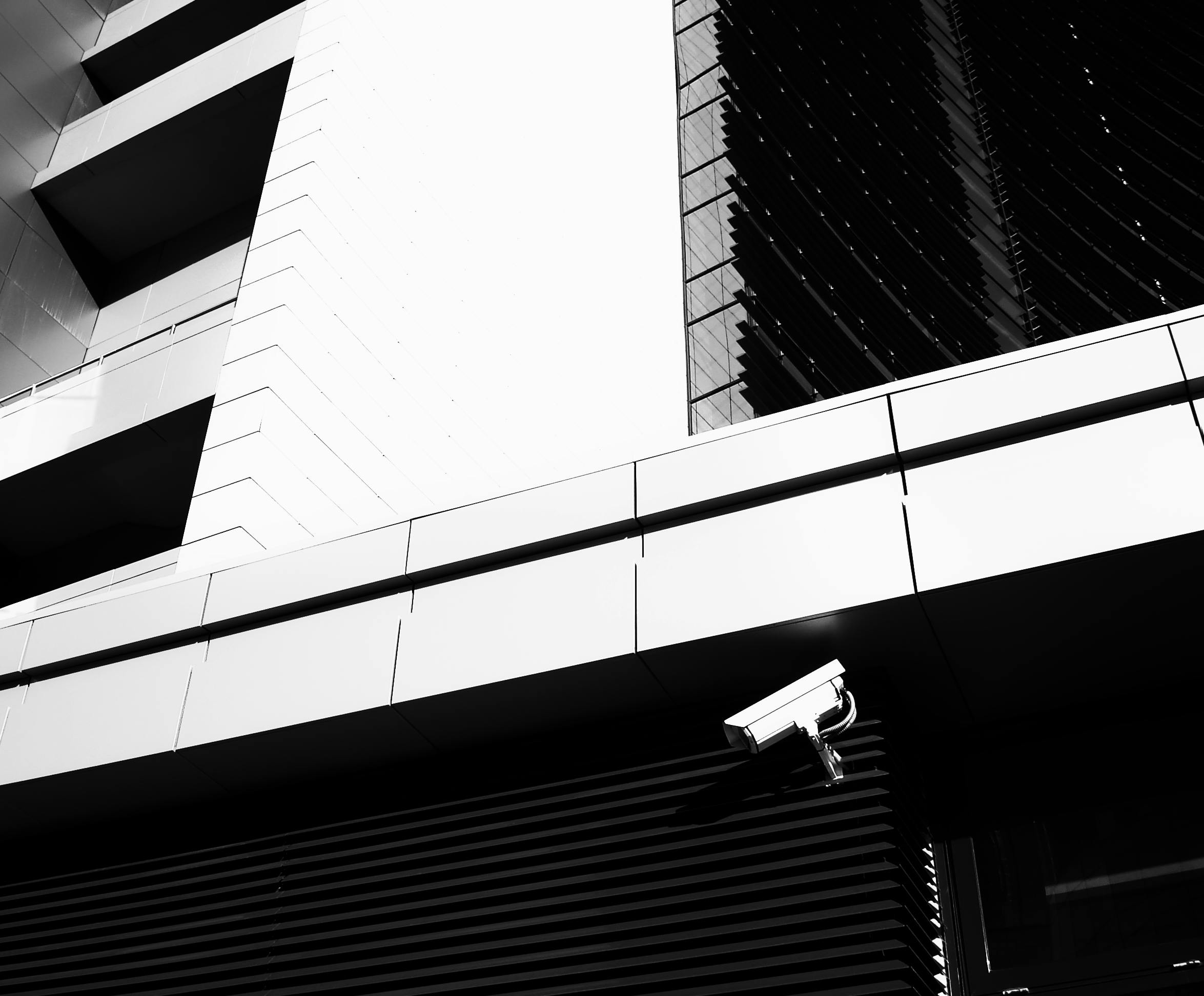
Building a Smarter Security Strategy: Integrating CCTV, Access Control, and Alarms
Modern facilities don’t fail because they lack cameras. They fail because systems work in isolation. A truly effective security posture connects visibility (CCTV), access control (who enters), and response (alarms) into a single, predictable workflow. This article outlines a practical, professional framework for integrating those layers—without over‑engineering.
1) Start With a Risk Map (Not a Shopping List)
Before choosing devices, map the real risks. Identify where incidents are most likely to occur, who needs access, and how fast your team must respond. A good risk map simplifies everything downstream: camera angles, entry points, and alarm zones become obvious.
- Define critical zones (entrances, storage, server rooms, cash handling).
- Rank risks (high / medium / low).
- Specify response time for each zone.
2) Build the Three‑Layer Architecture
Think in layers:
- Observe – CCTV provides evidence and real‑time visibility.
- Control – Access control validates who can enter and when.
- Respond – Alarm systems trigger alerts and escalation.
“The best systems are the ones that connect events—door forced open should immediately show relevant camera views and trigger a response flow.”
3) Choose Camera Type Based on Environment
Below is a simple comparison used by many professional integrators when choosing camera systems.
| Factor | AHD (Analog HD) | IP Camera |
|---|---|---|
| Cost | Lower upfront cost | Higher upfront, better long‑term scalability |
| Resolution | Up to 1080p–5MP | 4MP–4K+ common |
| Cabling | Coaxial | Cat5e/Cat6 (PoE) |
| Scalability | Limited | Highly scalable |
| Best For | Retrofit or budget‑sensitive sites | New builds / enterprise sites |
4) Connect the Systems, Not Just the Hardware
Integration is about workflow. A professional setup should allow these automations:
- Door forced open → camera pop‑up + alarm trigger
- Access denied → log + video clip saved
- After‑hours entry → notification to supervisor
For a high‑level cybersecurity view of how organizations manage risk and response, see the NIST Cybersecurity Framework (official reference): NIST Cybersecurity Framework.
5) Operational Readiness Checklist
Before go‑live, verify:
- All camera views cover entry/exit lines
- Access logs sync correctly with staff roles
- Alarm notifications reach the correct contact list
- Footage storage meets retention policy
- Power and network redundancies are documented
Common Mistakes to Avoid
- Installing cameras without defining response workflows
- Mixing devices with no centralized management
- Underestimating storage and bandwidth requirements
- Not training staff on escalation steps
Final Takeaway
A professional security system is not just hardware—it’s a coordinated response system. When CCTV, access control, and alarms are designed together, security becomes measurable, predictable, and scalable.
Need help designing a system? Talk to HKSS specialists and share your site plan, risk zones, and response requirements.
Leave a Reply